Useful operational summaries
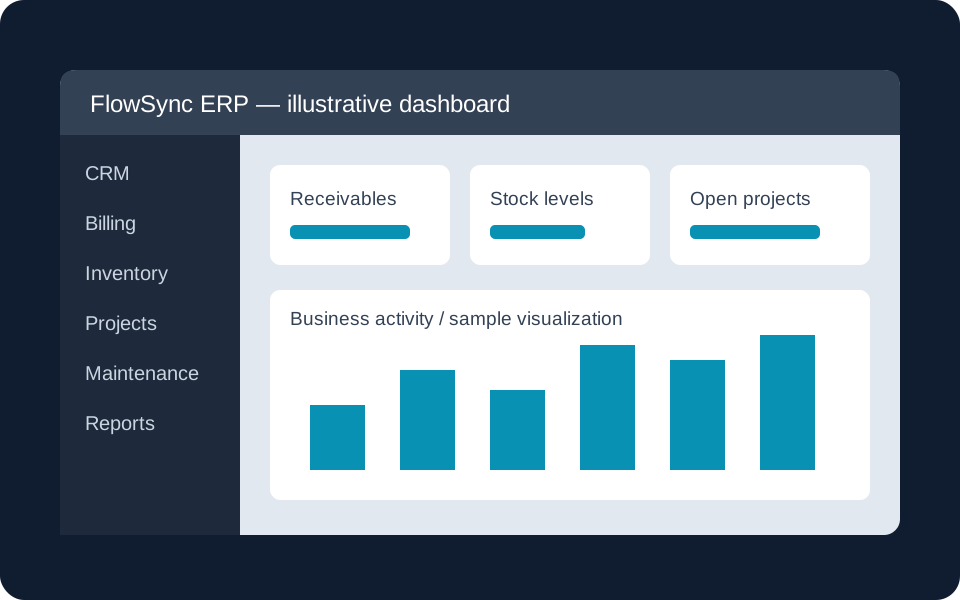
- Business KPIs drawn from assigned modules
- Outstanding invoices with customer, due date and age
- Low-stock items against minimum quantities
- CSV summary export for further review
- Owner-only activity history
- Save transactionsKeep billing, stock and other operational records current.
- Apply permissionsReports include only the company and employee's assigned modules.
- Review summariesCheck KPIs, receivables and low-stock information.
- Export or printExport the CSV summary or preview enabled company print layouts.
Reporting respects employee permissions
Assigning Reports does not grant unrestricted access to other departments. Available summaries are filtered by the modules assigned to the company and employee. The company owner's activity history is not exposed to employee viewers.
From review to action
Use receivables to review unpaid balances in Sales & Billing, or check low stock before preparing orders in Inventory & Purchasing. Reports reflect saved transactions, so keeping source records current is essential.
Print and export
Use CSV summary export for offline analysis. When print customization is enabled, preview the report with your company's saved header, footer and primary-table layout. Statutory financial statements, forecasting and custom BI integrations require separate scope.
Focus on the metrics your team needs
Share your reporting priorities and the decisions they should support.