Explicit links, not unrestricted access
An administrator selects which existing monitoring customer accounts belong in a ERP Client's ERP. The user also needs the Device Monitoring module assigned to their login.
- Approved customer accounts and registered devices only
- Latest displayable measurements and last-received time
- No device API keys or account passwords displayed
- No machine-control commands from this module
- Monitoring access remains subject to account expiry
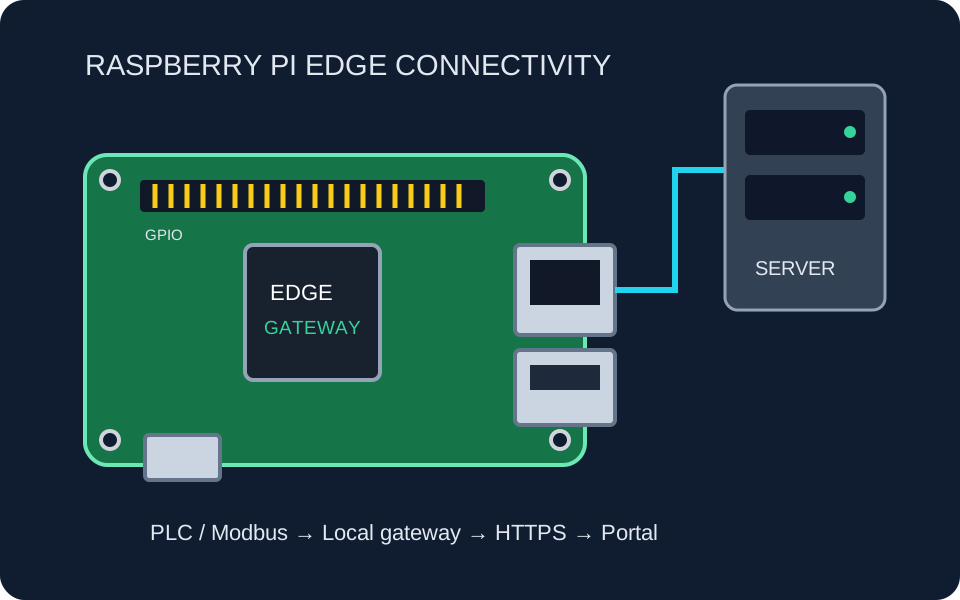
- Collect readingsA separate PLC or gateway integration supplies telemetry.
- Monitoring accountThe existing monitoring system stores equipment data.
- Approve linkAn administrator explicitly links the monitoring account to the company.
- View in ERPAuthorized staff see read-only measurements, not controls or credentials.
Bridge operations and business context
Staff can check available pressure, flow, temperature or device-status readings while handling service tickets or reviewing operational work. The exact displayed values depend on the connected device and approved telemetry.
Separate monitoring from control
This ERP module is not a SCADA control room and does not replace machine protection. Historical device analysis and authorized screen/control features belong to the separate customer monitoring portal. For connectivity design, explore SCADA and PLC integration services.
Link only the equipment your team needs
Agree on customer ownership, device scope and user permissions first.