A practical ticket record
- Subject and customer or equipment reference
- Low, normal, high and urgent priorities
- Assigned technician and due date
- Open, in-progress, resolved and closed status
- Notes for diagnosis and resolution context
- Log issueRecord the equipment, customer and reported problem.
- Assign workChoose a technician, priority and deadline.
- Track progressMaintain ticket status and service notes.
- Record resolutionDocument the outcome after the service team completes its work.
Follow work through resolution
Log the reported issue, assign a technician and set a realistic due date. Authorized operators update status and notes as work proceeds. Viewers can check the current service position without changing tickets.
Use monitoring as supporting context
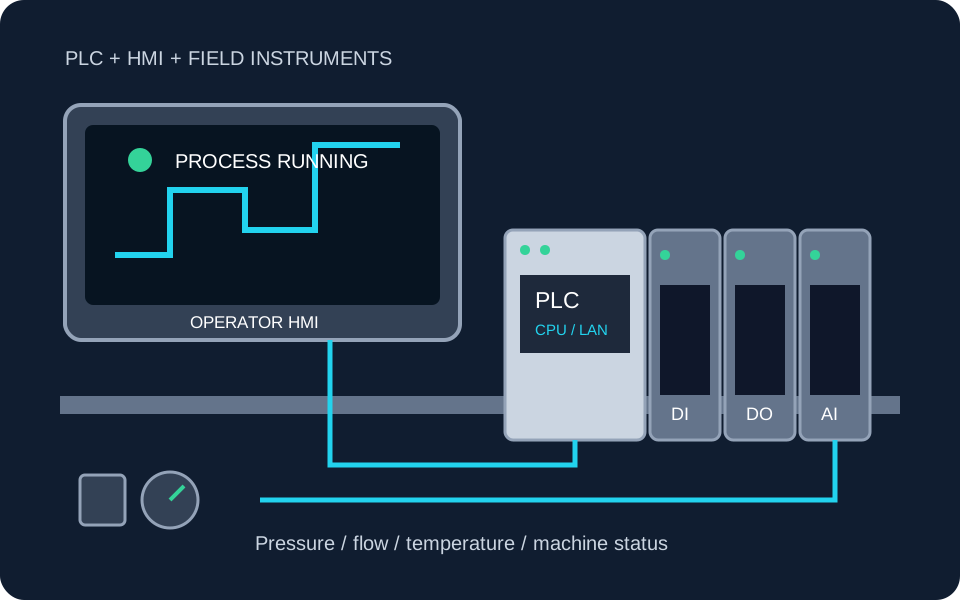
Approved Device Monitoring can help staff review latest equipment readings. Monitoring does not automatically create maintenance tickets or diagnose faults; the service team remains responsible for assessment and safe intervention.
Plan additional requirements separately
Recurring preventive schedules, spare-parts reservations, notifications and service-level escalation are not part of the current ticket workflow. Share these needs during project discovery.
Make service work easier to follow
Share your ticket fields, priorities and technician workflow.